The traditional alarm system required a centralized control panel and professional monitoring. The advent of Internet of Things (IoT) technology has decentralized security, bringing direct-to-smartphone alerts via Smart Wi-Fi door sensors. These devices operate independently, connecting directly to home wireless networks without the need for a dedicated hub.
However, bypassing a central hub introduces unique challenges regarding power consumption, latency, and network compatibility. This guide outlines the technical realities of deploying Wi-Fi based perimeter sensors.
The 2.4GHz Connectivity Standard
A common point of frustration for modern consumers is the discovery that most smart door sensors do not support 5GHz Wi-Fi networks. They are hardcoded to operate exclusively on the older 2.4GHz band.
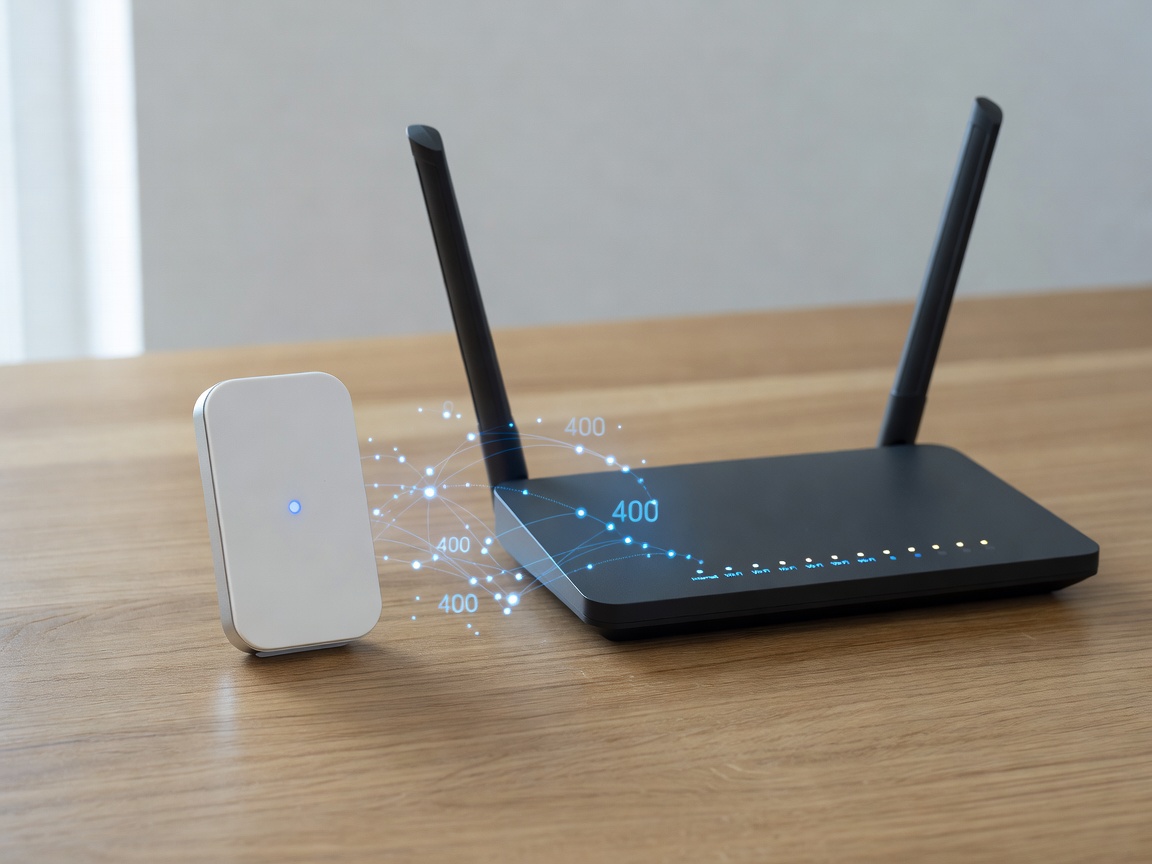
This is an intentional engineering decision, not a cost-cutting oversight. The 2.4GHz frequency possesses superior wave propagation characteristics, allowing the signal to penetrate brick, wood, and drywall much more effectively than 5GHz waves. Because door sensors are often placed at the furthest extremities of a home (front doors, back gates, garage man-doors), maximizing range and penetration is critical. When setting up a smart sensor, you must ensure your router broadcasts a distinct 2.4GHz SSID, or temporarily disable band-steering during the pairing process.
Battery Life and Power Draw
Maintaining a constant Wi-Fi connection requires significantly more energy than traditional RF (Radio Frequency) communication used in proprietary alarm panels or Zigbee/Z-Wave hubs.
To conserve battery, Wi-Fi door sensors remain in a "deep sleep" state until the magnetic circuit is broken (the door opens). Upon opening, the sensor wakes up, connects to the Wi-Fi router, authenticates, transmits the data packet to the cloud server, and goes back to sleep. Depending on traffic (how often the door is used), a Wi-Fi sensor powered by AAA batteries or CR2 batteries will typically last between 3 to 6 months. By contrast, a Zigbee sensor routing to a local hub might last two years on a single coin cell.
Latency and Push Notifications
Because the sensor must wake up, handshake with the router, and route traffic through external cloud servers before a push notification is dispatched to your phone, latency is inherent to Wi-Fi sensors.
| Protocol | Average Latency | Hub Required? |
|---|---|---|
| Direct Wi-Fi | 2 - 5 seconds | No |
| Zigbee / Z-Wave | Under 1 second | Yes |
| Hardwired (NC Loop) | Instantaneous (Milliseconds) | Yes (Alarm Panel) |
For simple logging and non-urgent notifications ("The back door opened at 2 PM"), a 3-second delay is entirely acceptable. However, if you are attempting to trigger a local automation—such as turning on a hallway light the moment the door opens—a 3-second delay will feel agonizingly slow, and the light may turn on after you have already walked through the room.
Ecosystem Integration
The true power of a Wi-Fi sensor lies in its software integrations. The majority of these devices utilize platforms like Tuya or Smart Life on the backend, allowing them to interface with Amazon Alexa, Google Assistant, and IFTTT (If This Then That).
Through these ecosystems, a single sensor can drive complex routines. Opening a door can automatically pause a smart thermostat, trigger a security camera to begin recording, and broadcast an audio announcement via smart speakers.
Conclusion
Smart Wi-Fi door sensors are the ultimate entry point for DIY smart home security. They require zero wiring, bypass the need for expensive proprietary hubs, and offer deep integration with voice assistants. By understanding their limitations regarding battery life and network latency, you can effectively deploy them to elevate your home automation and situational awareness.